▣
Add a photo
See exactly which table, doorway, plant, appliance or other item the saved measurements belong to.
Save everyday measurements with photos, visual diagrams and notes so you can find and understand them again when you need them.
Camera-assisted measurements are estimates and require supported hardware. Double-check important measurements with a physical measuring tool.
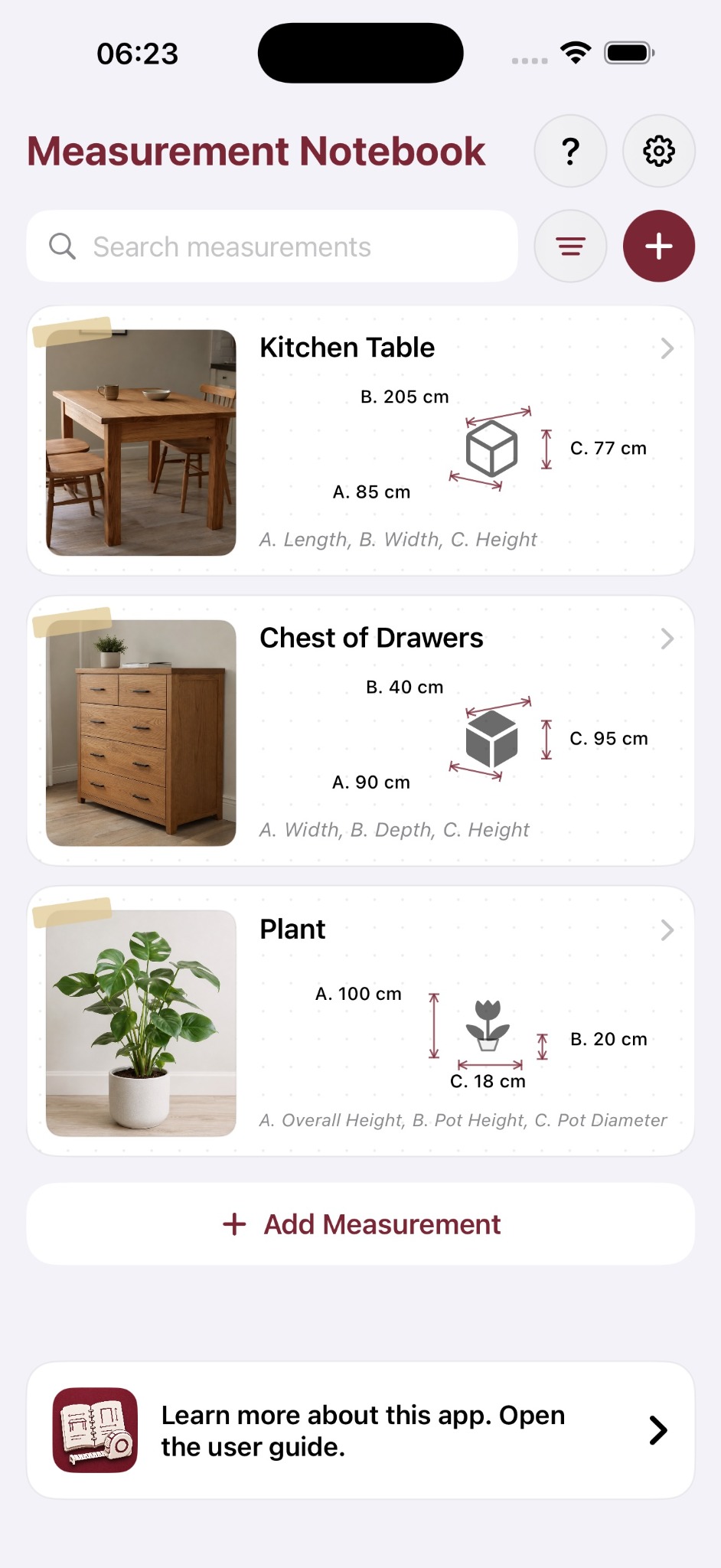
A number on its own is easy to forget. Measurement Notebook keeps the value with the thing it belongs to and gives it visual context.
See exactly which table, doorway, plant, appliance or other item the saved measurements belong to.
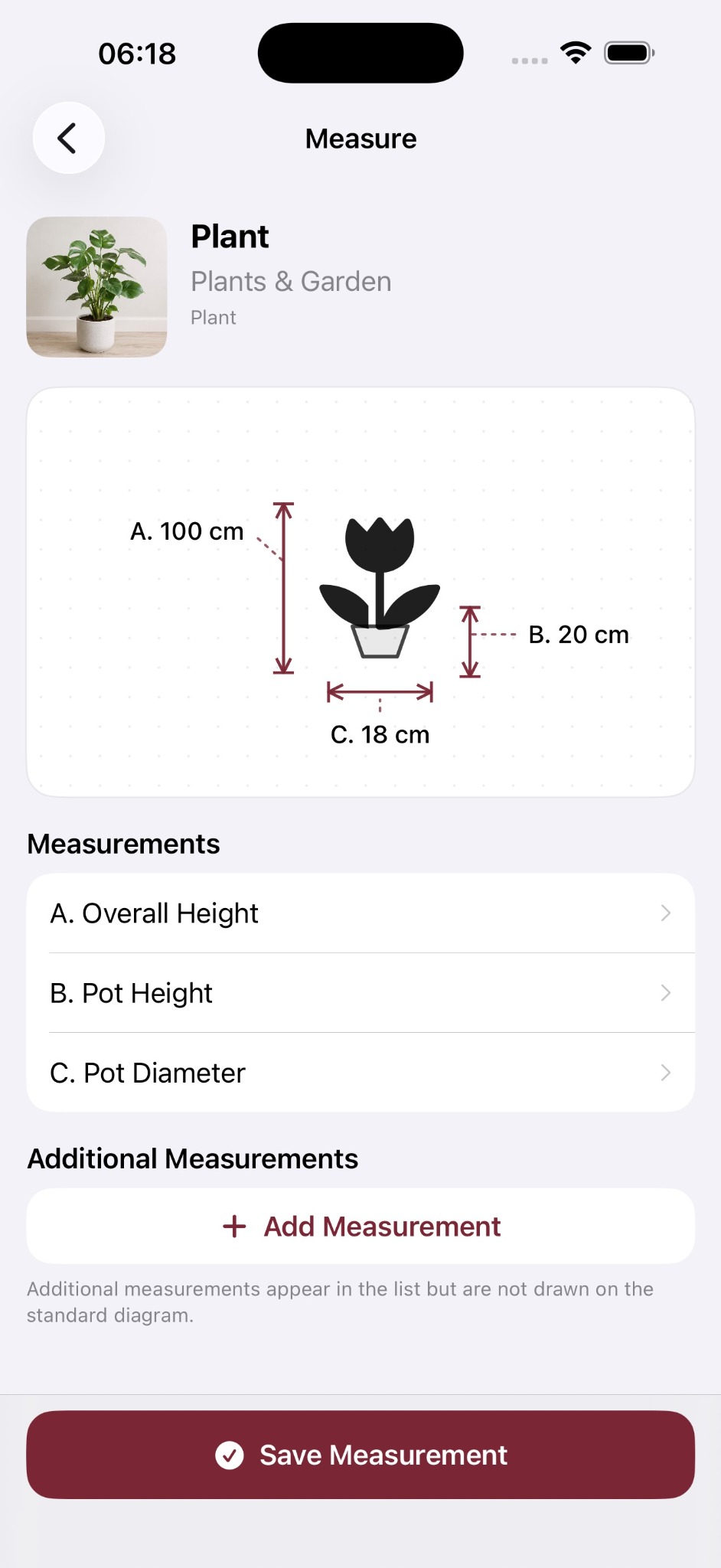
Dimension arrows show which value is width, depth, height, diameter, drop or another measurement.
Save details such as model names, clearances, locations or reminders alongside the measurements.
Group related items into simple Lists such as Home, New Kitchen, Garden or Shopping List.
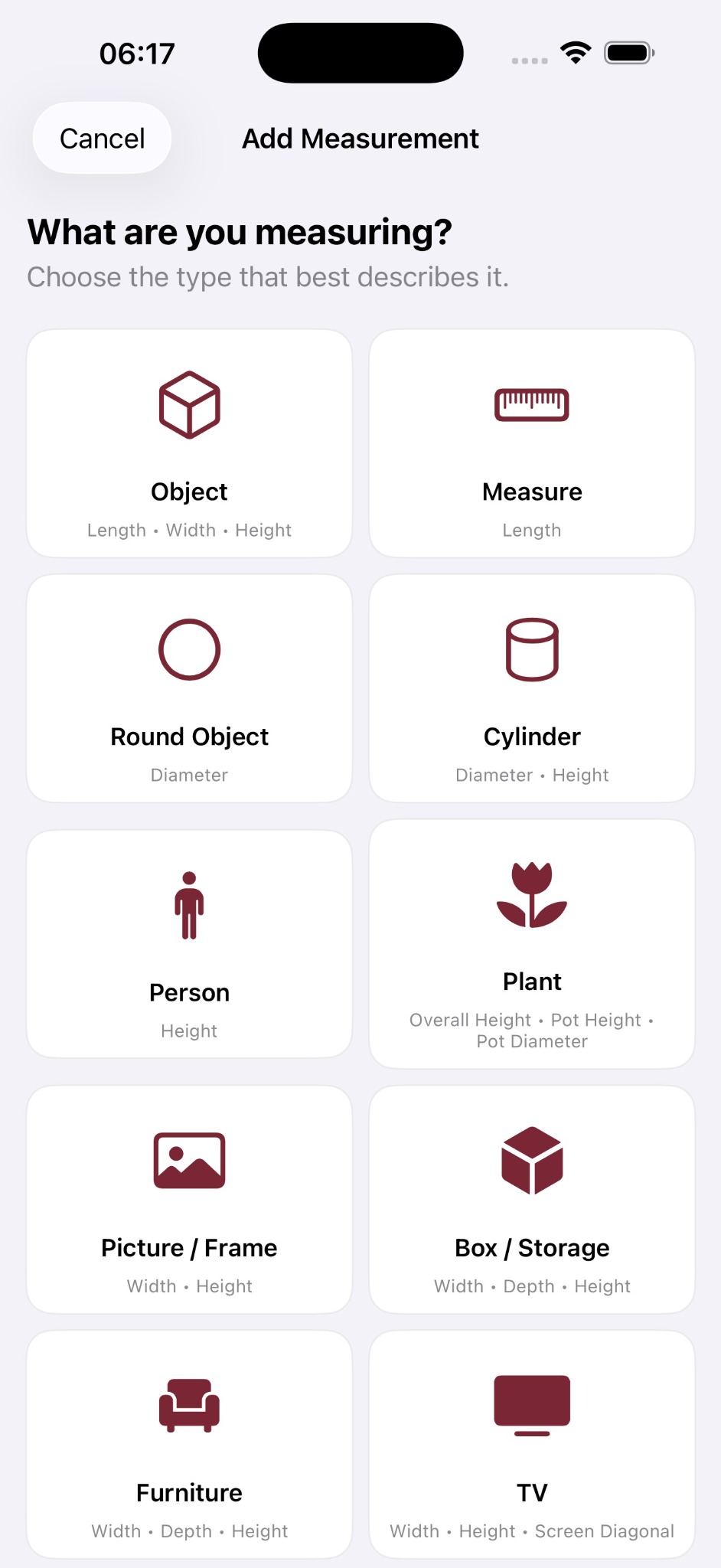
Different things need different measurements. Choose a template that matches what you are measuring instead of forcing everything into the same generic form.
Useful for tables, drawers, sofas and other household furniture.
Overall height, pot height and pot diameter stay together.
Width, height and screen diagonal, with diagonal commonly shown in inches.
Keep the measurements you may need before buying or moving furniture.
Pick an everyday item type such as Object, Measure, Round Object, Cylinder, Person, Plant, Picture / Frame, Box / Storage, Furniture, TV, Appliance, Room, Doorway or Curtains / Blinds.
The same simple diagrams appear while measuring and when you return to a saved item later, so A, B and C still have clear meaning weeks or months afterwards.
Instead of an ambiguous note, the item keeps its photo, measurement names, diagram and supporting context together.
Measurement Notebook is a notebook first. Use the method that suits the job and keep the result for later.
Home keeps your saved measurements together in visual notebook cards. Use Lists, Favourites, search and filters to get back to the item you need.
Measurement Notebook is designed to be local-first and useful offline. No proprietary app account is required, and private iCloud syncing can keep saved measurements, photos, Lists and notes available across compatible Apple devices.
It is a measurement notebook, not CAD, a floor-plan application or professional surveying software.
Keep everyday measurements with the photos, diagrams and notes that make them useful later.